To Do List
Introduction
This post walks you through how to create todo list.
Todo list
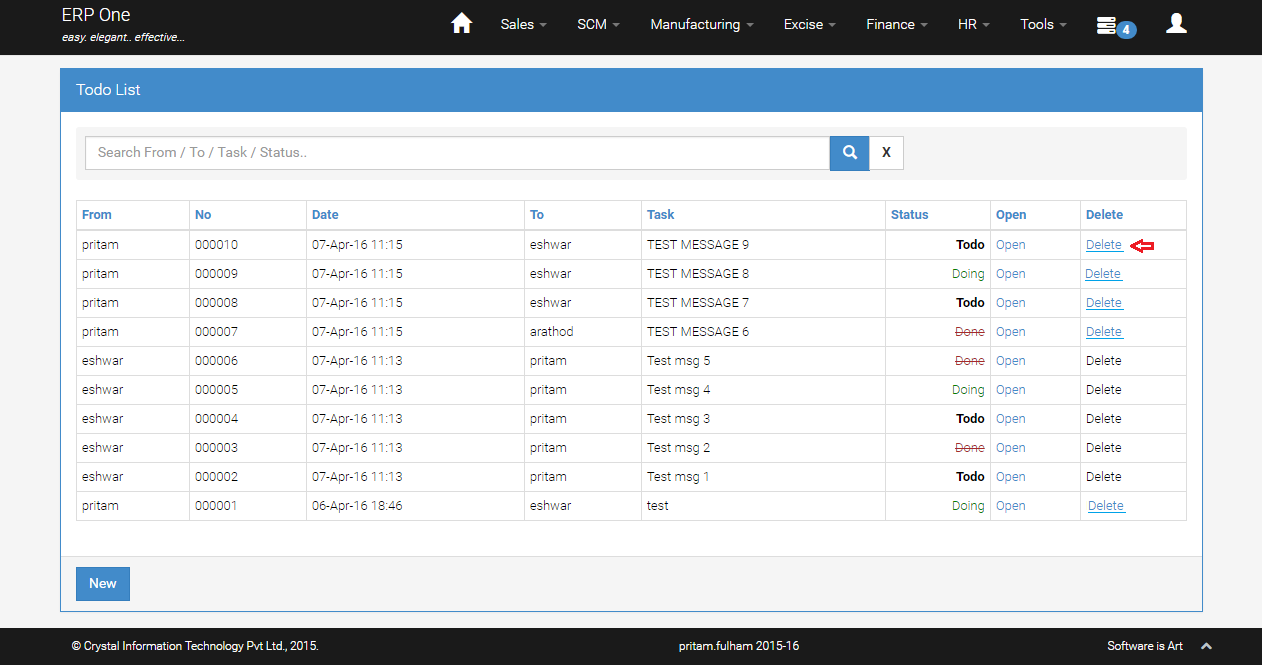
- From Menu, select [Todo].
- This grid page shows you the list of [From] and [To] and their assigned task or short message.
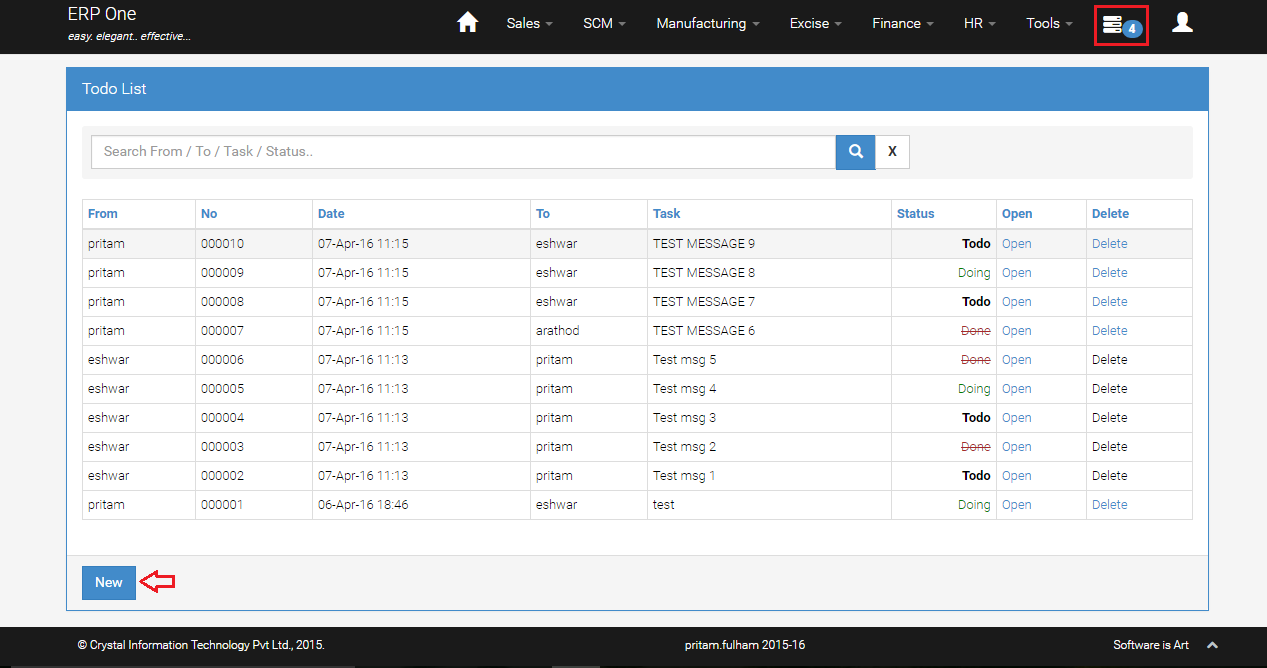
- Click [New] to create new message.
Create New Message
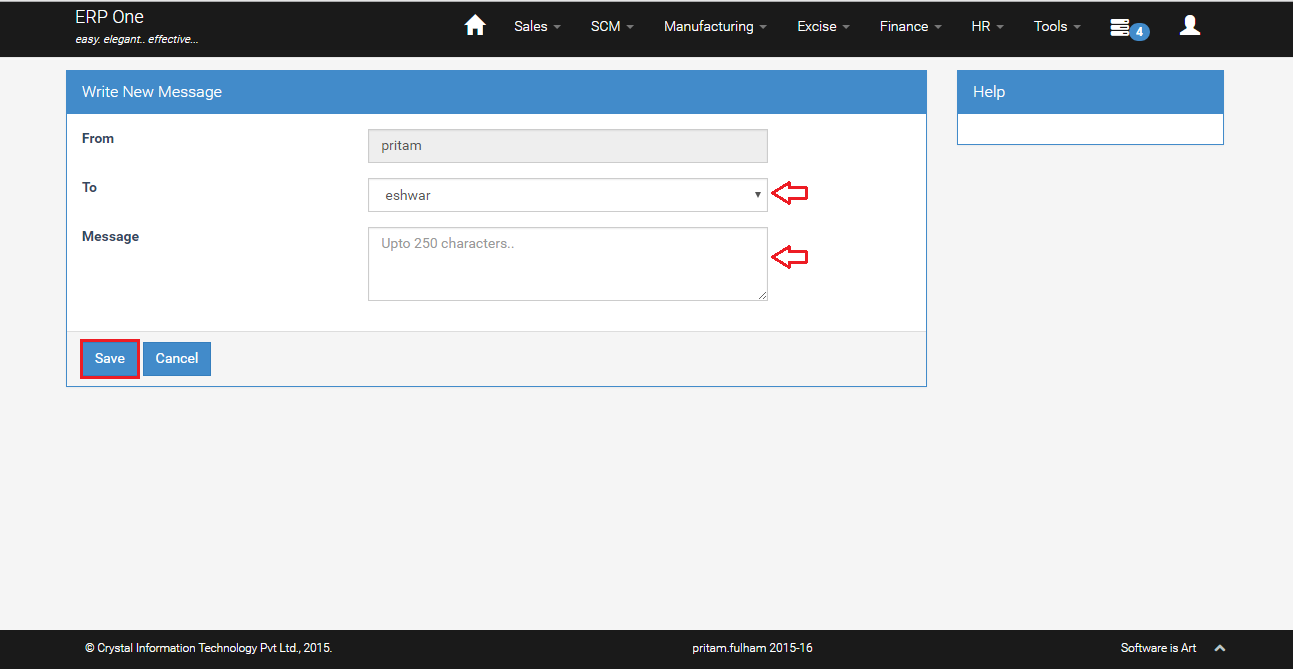
- Select [To] for whom you want to assign a task.
- Key in the message and click [Save].
Todo Details
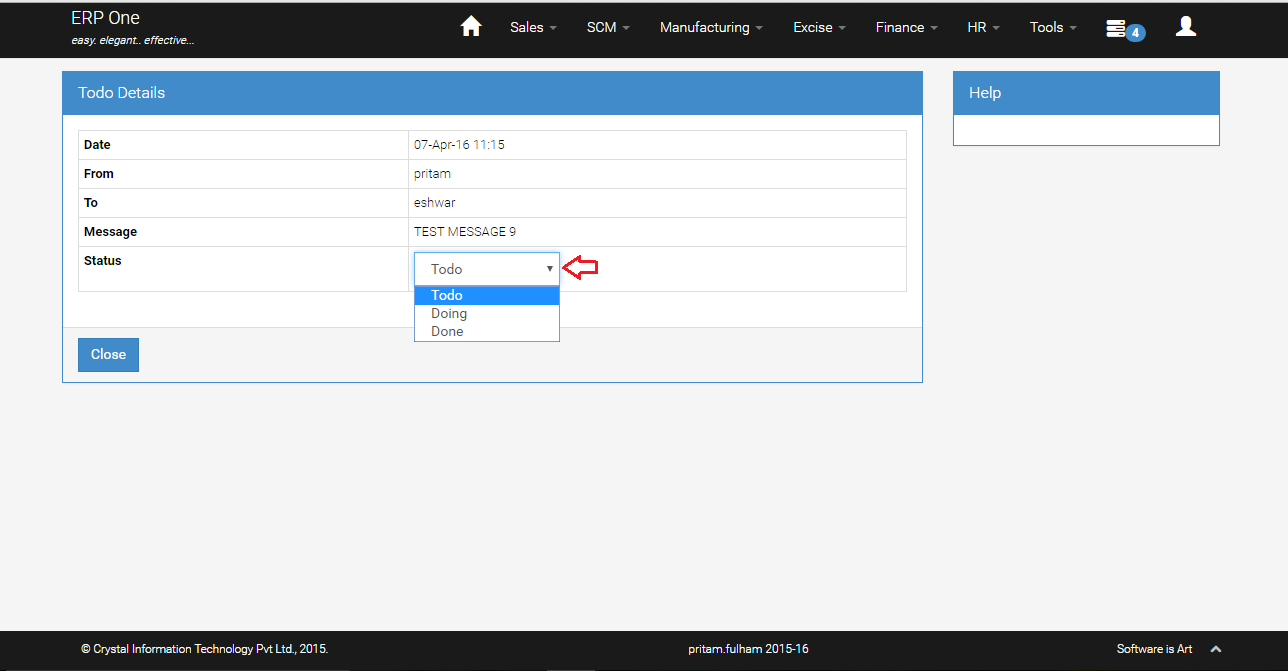
- Click [Open] to view the assigned task.
- Change the [Status] and click [Close] to change the task status.
Notification
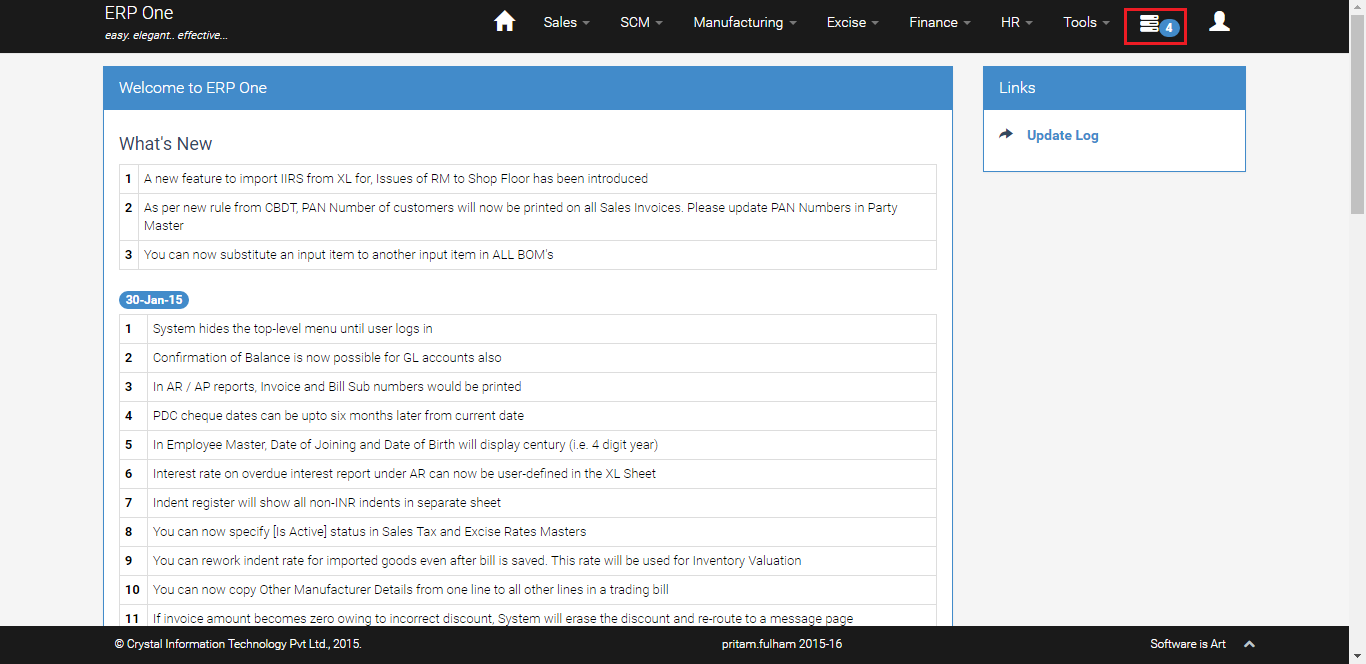
- Notification counter on the menu panel shows the number of open tasks.
Delete Todo
- Only the User who created the task can delete it.