Payroll
Introduction
This post walks you through how to create payroll for the Employees.
Steps in Payroll
- Initial Set up of master data
a) Employee master
b) Piece-rate master
c) Department master
d) Grade master - Monthly transactions
e) Pay details
f) Time-day details (import from XL)
g) Production details (import from XL) - Compute Pay
- Salary Analysis Reports
Employee Master
Employee master grid
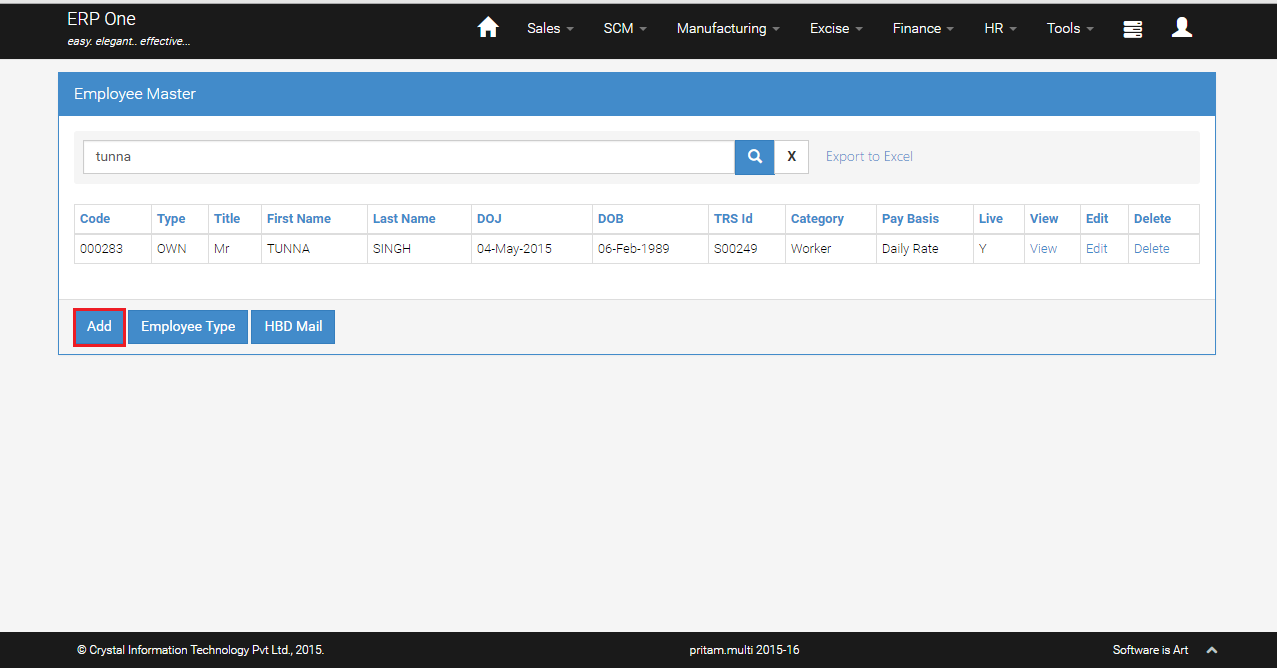
- From Menu, select [HR]>>[Employee Master].
- Employee master grid shows the list of employees details.
- To add new employee, click [Add].
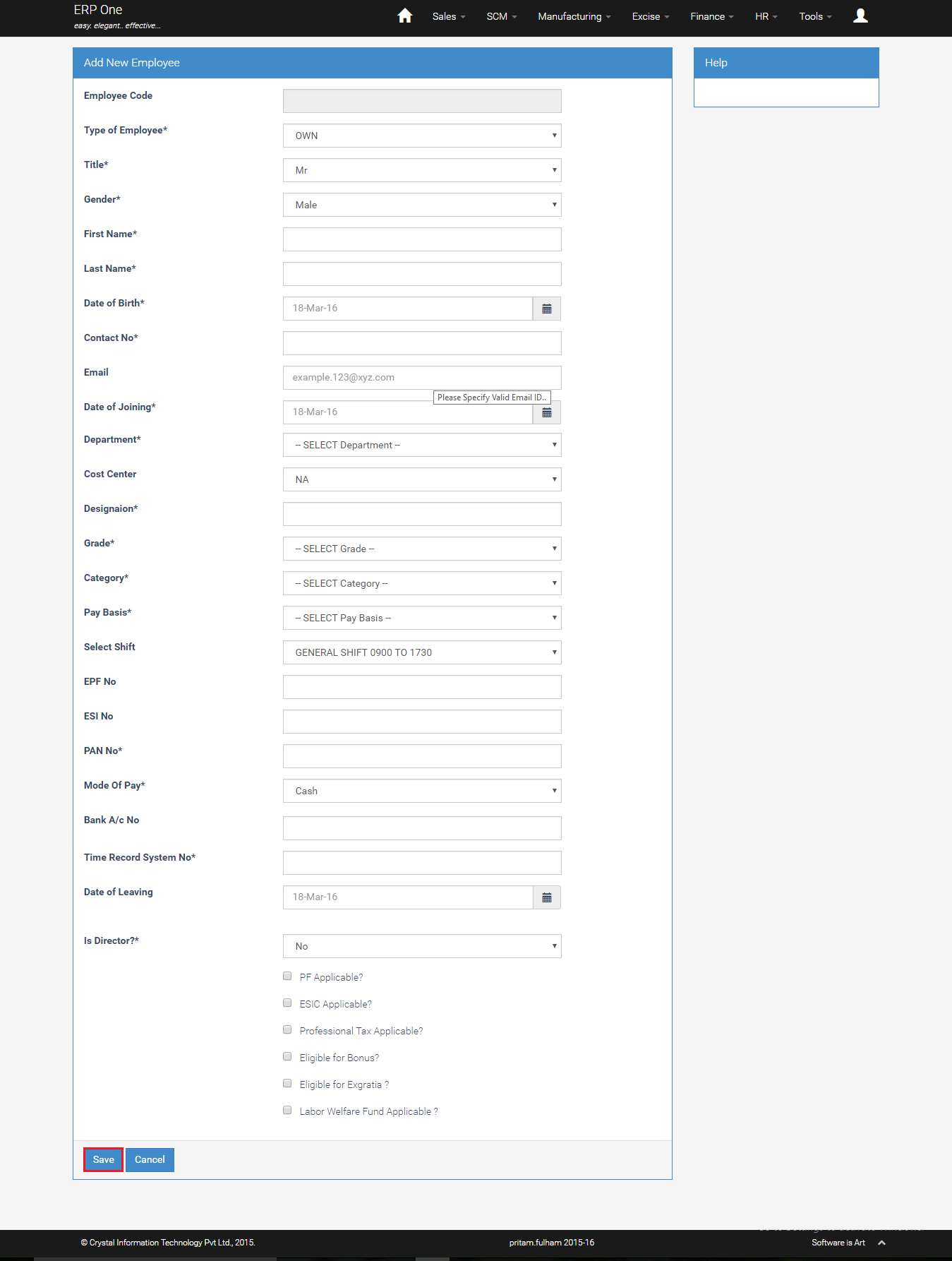
Add New Employee
- Key in the employee details and click [Save].
Piece Rate Master
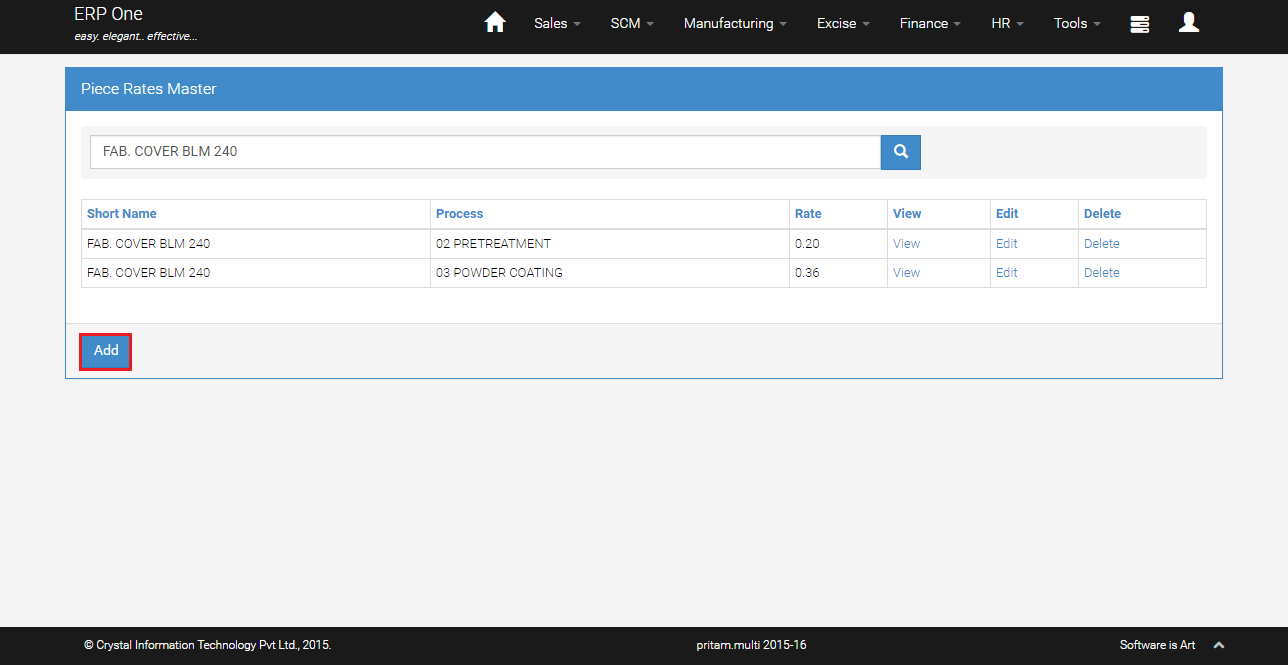
Piece Rate Master Grid
- From Menu, select [HR]>>[Piece Rate master].
- Piece Rate master grid shows the list of Items, process and rate details.
- To add new piece rate, click [Add].
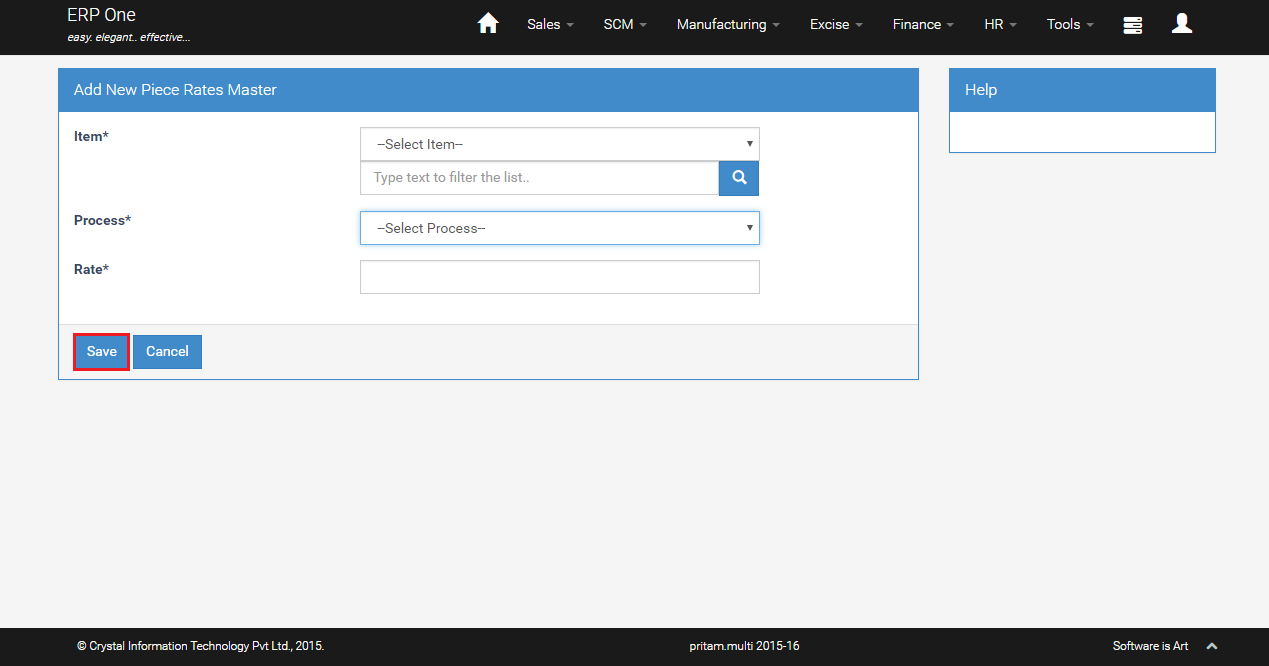
Add New Piece Rate
- Select Item and Process.
- Key in the Rate and click [Save].
Department Master
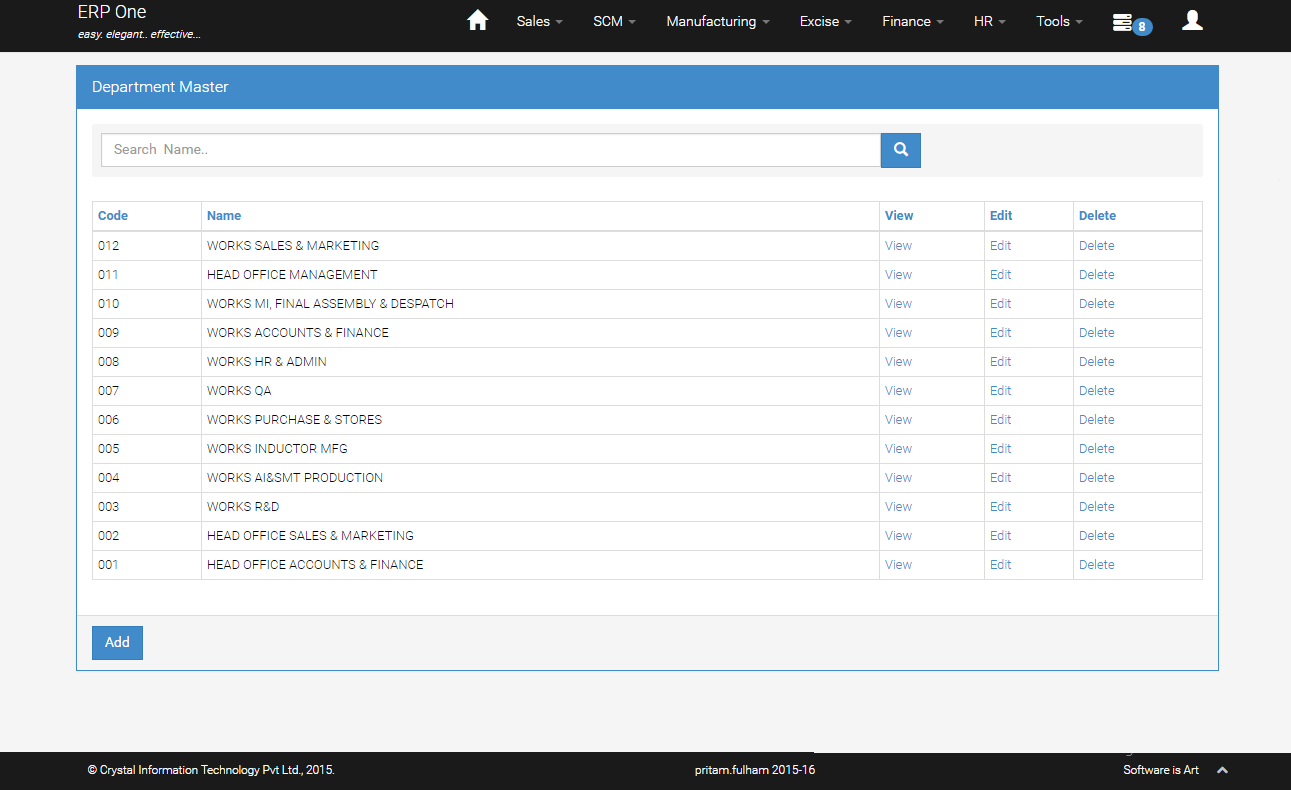
Department Master Grid
- From Menu, select [HR]>>[Department master].
- Department master grid shows the list of Departments.
- click [Add] to add new Department.
Grade Master
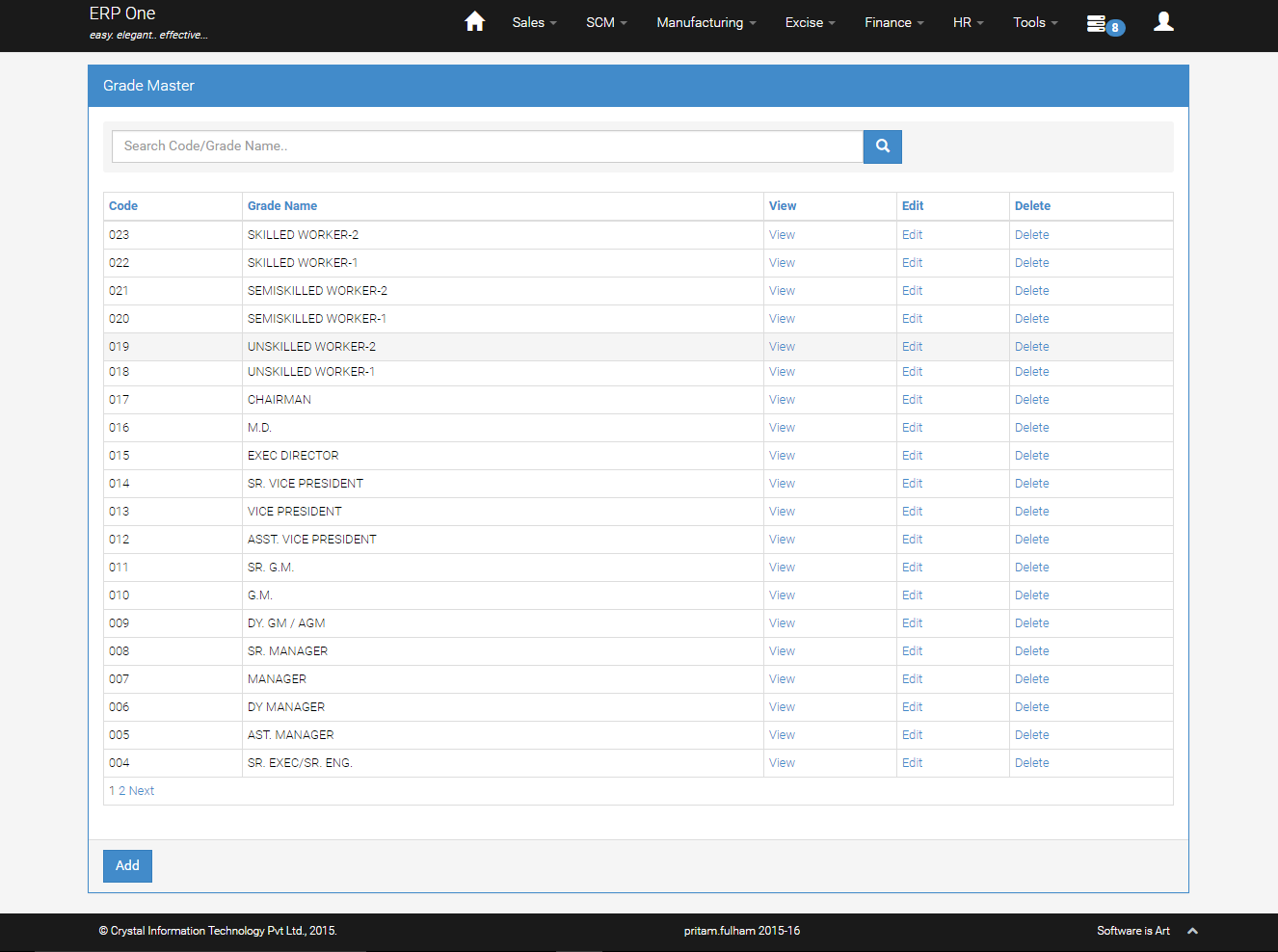
Grade Master Grid
- From Menu, select [HR]>>[Grade master].
- Grade master grid shows the list of Grade.
- Click [Add] to add new Grade.
Pay Details
- From Menu, select [HR]>>[Pay Details].
- Select pay date and employee name.
- To change pay details, input various heads of pay e.g. basic pay, house rent allowance, extra pay etc and click [Update].

Time Day Details
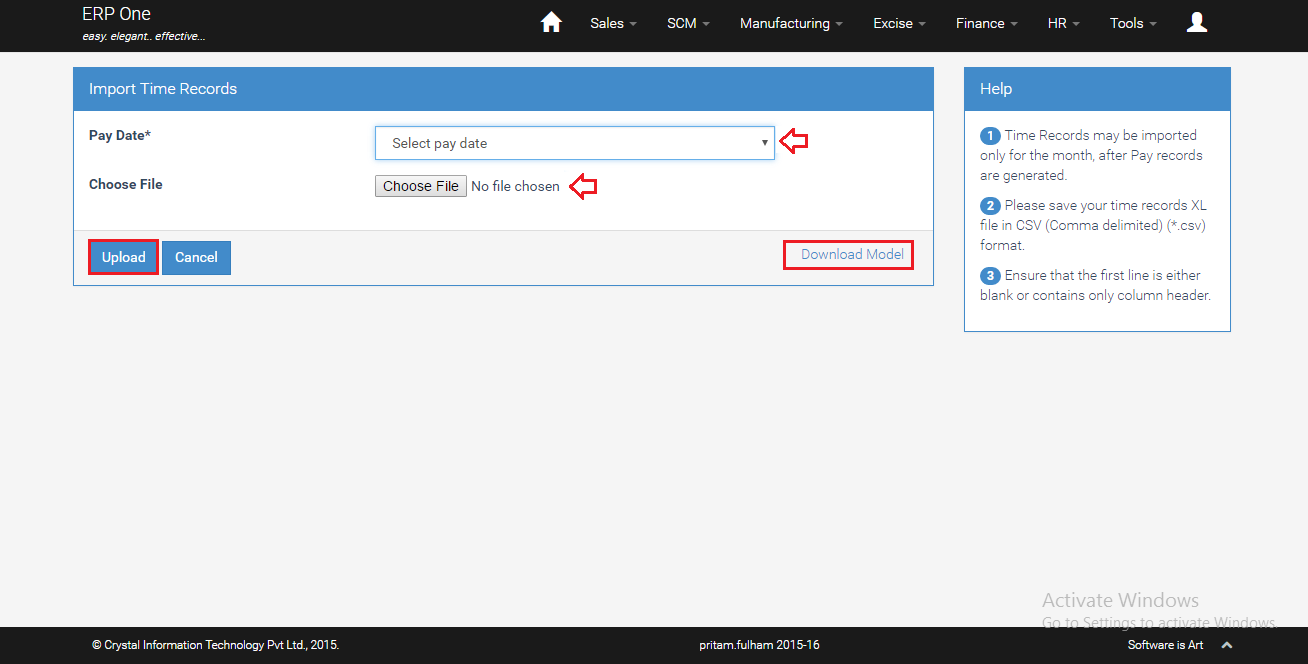
- From Menu, select [HR]>>[Time Day Details].
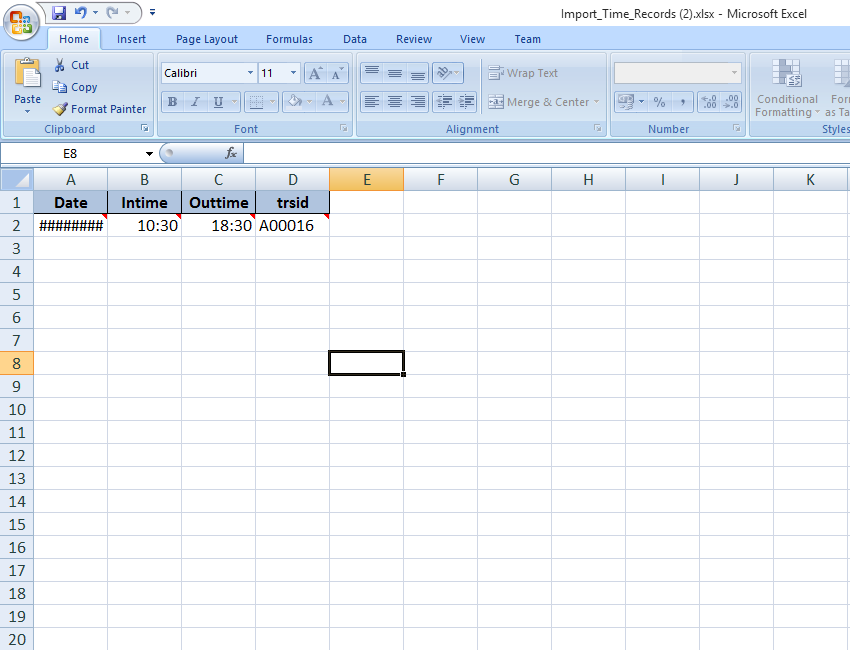
- Select Pay date and click [Download Model] to download excel file.
- Fill details in XL sheet and close the XL file.
- Click [Upload] and choose the XL file.
- System shows [Uploaded] message if the XL is in appropriate format.
- System disallows uploading the XL file if the format is incorrect.
Production Details
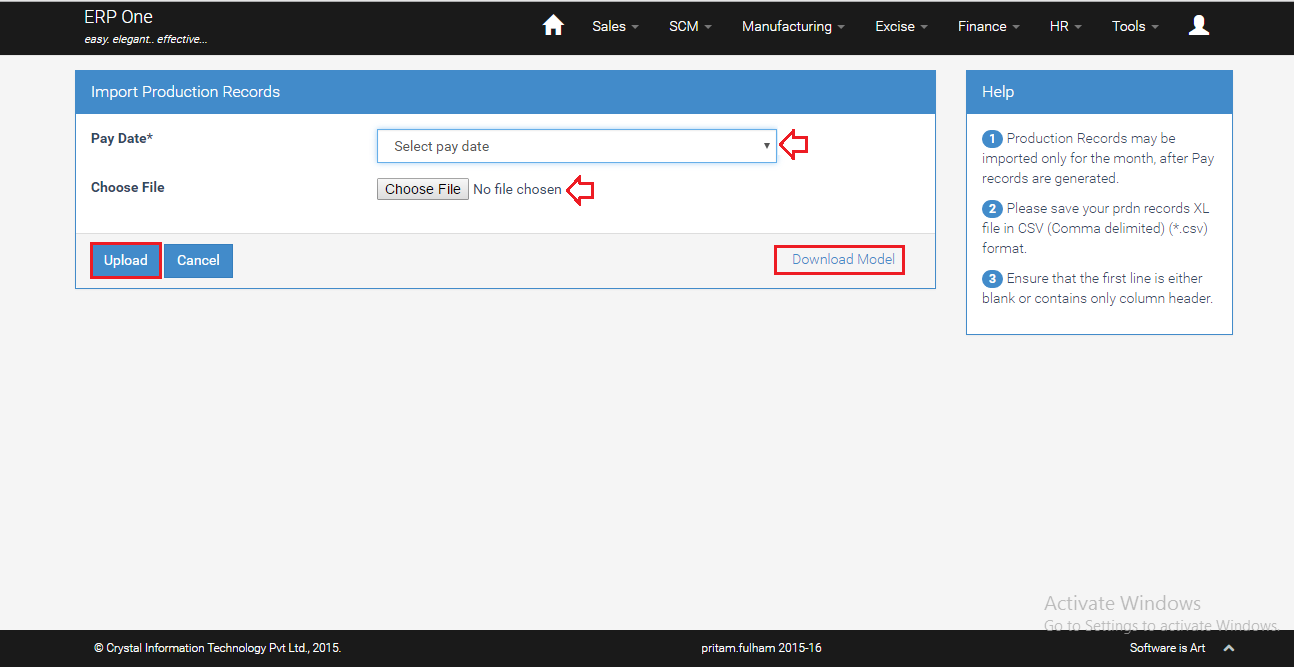
- From Menu, select [HR]>>[Production Details].
- Select Pay date and click [Download Model] to download excel file.
- Click [Upload] and choose the file.
- System shows [Uploaded] message if the excel file is in appropriate format.
- System rejects the file if format is incorrect.

Compute Pay
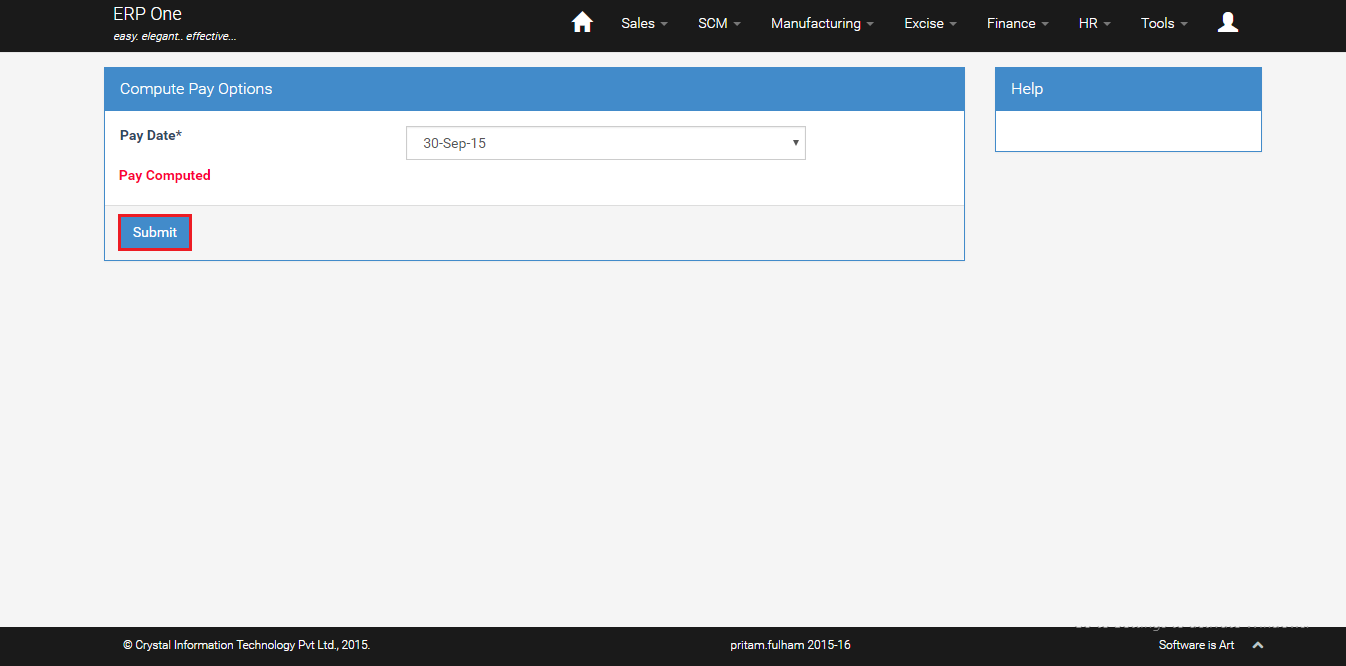
- From Menu, select [HR]>>[Compute Pay].
- Select pay date for which you want to compute the salary and click [Submit].
Salary Analysis Report
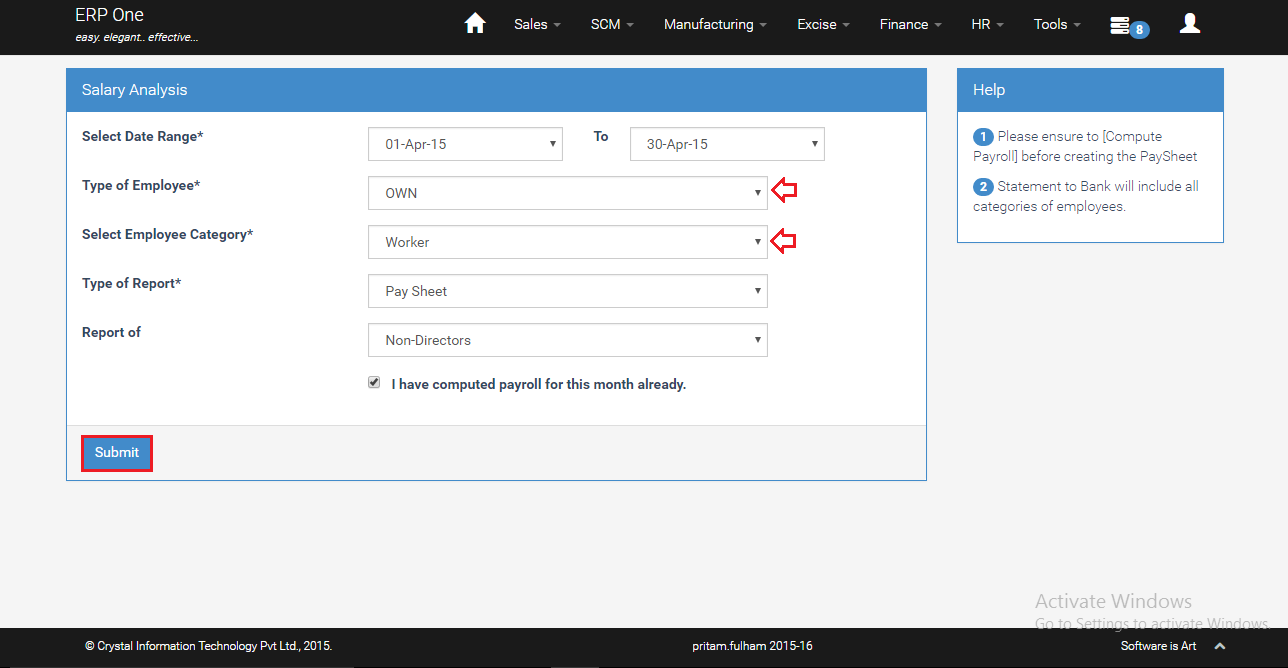
- From Menu, select [HR]>>[Salary Analysis].
- Select type of employee and employee category.
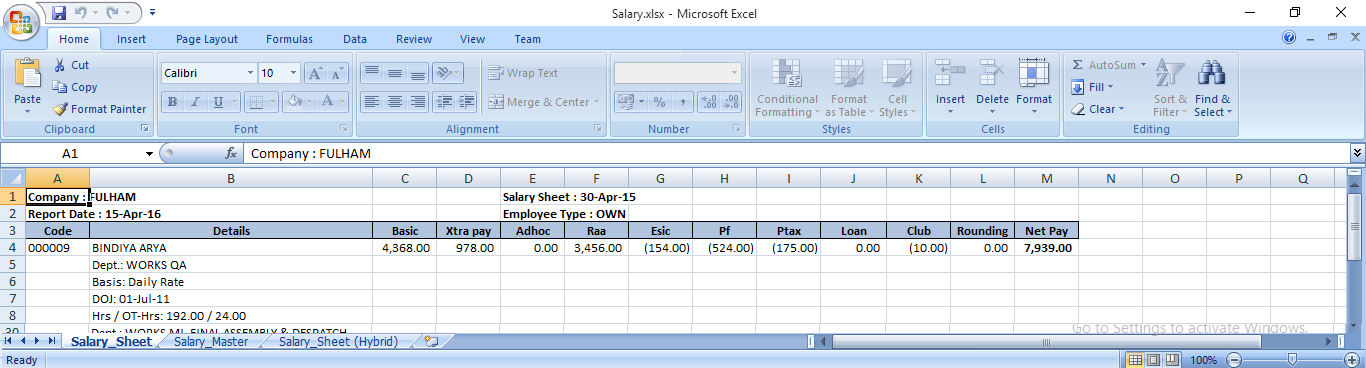
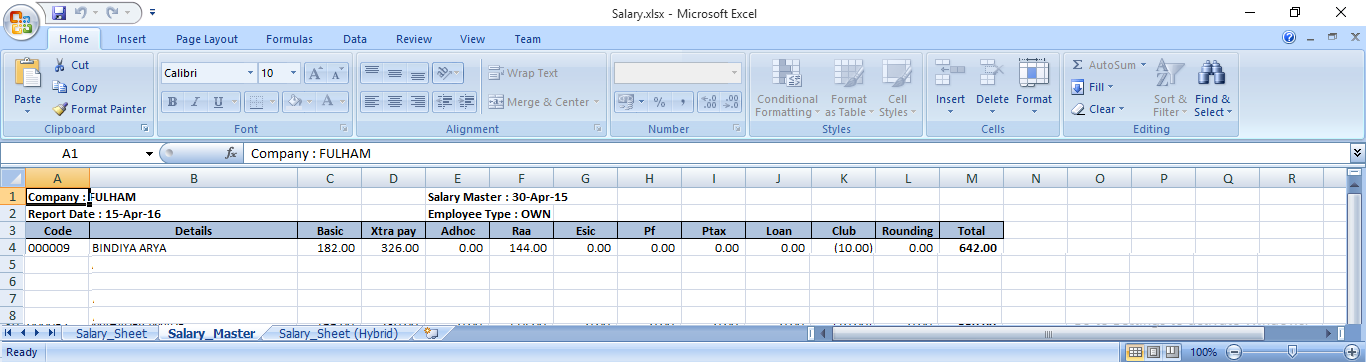
- Click [Submit] to download the report in XL.